

Description
Download Nimbuzz Messenger APK – Free Chat, VoIP Calls, Instant Messaging, Android App
Overview
Nimbuzz Messenger is a free Android application designed to simplify digital communication by consolidating multiple messaging and calling services into a single platform. It enables users to chat, send files, and make voice and video calls across various networks—including MSN, Skype, AIM, Yahoo! Messenger, Google Talk, Jabber, Facebook, and MySpace—without needing separate apps for each. The software is ideal for individuals seeking a cost-effective way to stay connected with friends and family globally, particularly those concerned about high international calling charges. By integrating contact lists from multiple platforms, Nimbuzz streamlines communication and enhances accessibility. The app is particularly useful for users who manage multiple online identities and want a centralized hub for instant messaging and VoIP calls. Its ability to import phone contacts and support for NimbuzzOut service allows users to call landlines and mobile numbers internationally at reduced rates. While the app is primarily aimed at general consumers and casual users, its feature set may also appeal to professionals managing cross-platform client communication. The developer did not provide additional details about the company or organizational background. Real-world usage includes long-distance personal communication, international business coordination, and social networking across multiple platforms.
Key Features & Capabilities
- Multi-Protocol Messaging – Nimbuzz unifies access to major IM networks like MSN, Skype, Yahoo! Messenger, Google Talk, AIM, Jabber, Facebook, and MySpace, allowing users to communicate across platforms without switching apps.
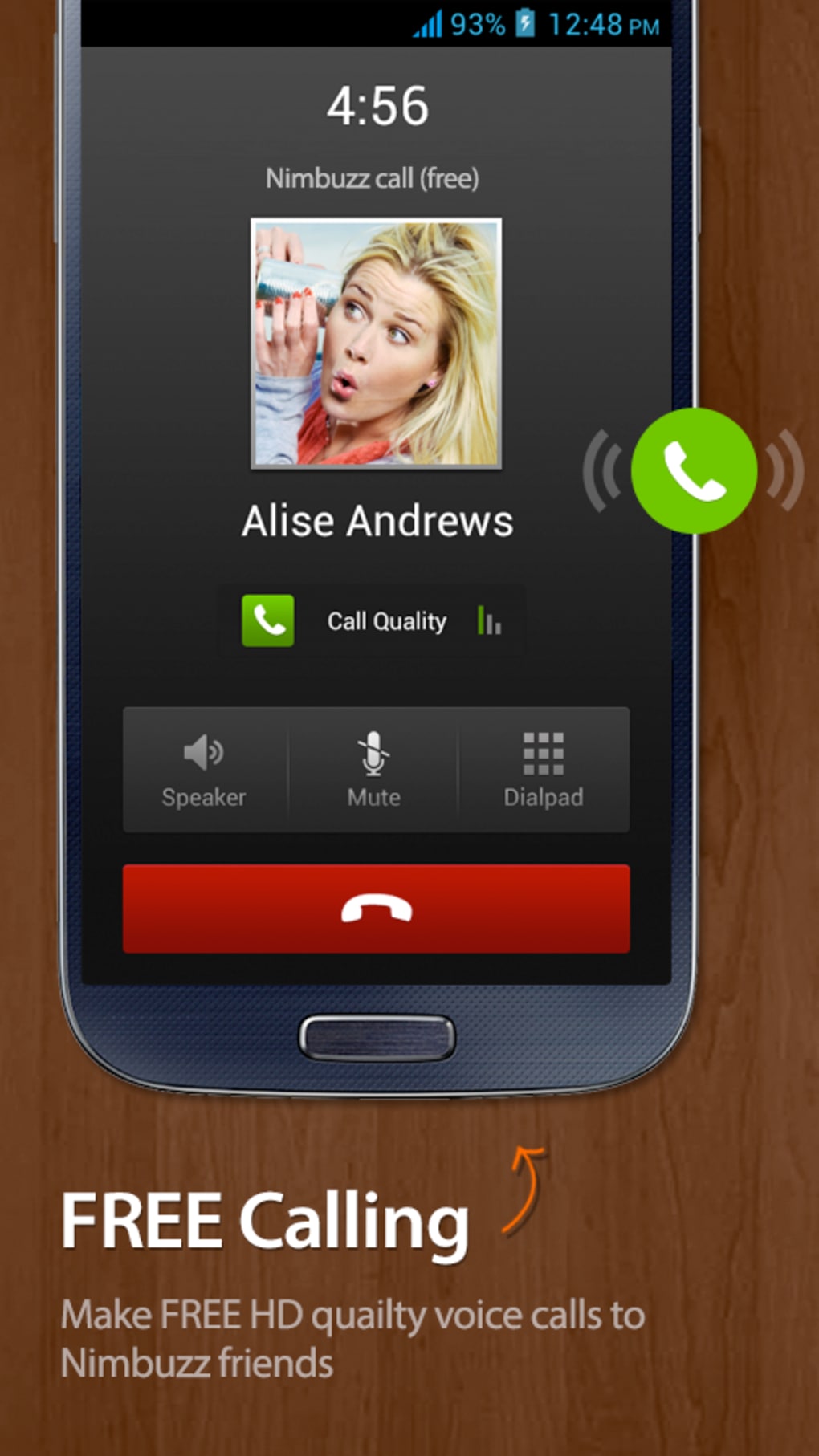
- Free VoIP Calling – Enables voice calls over the internet using supported networks such as Google Talk and Skype, reducing or eliminating international calling costs.
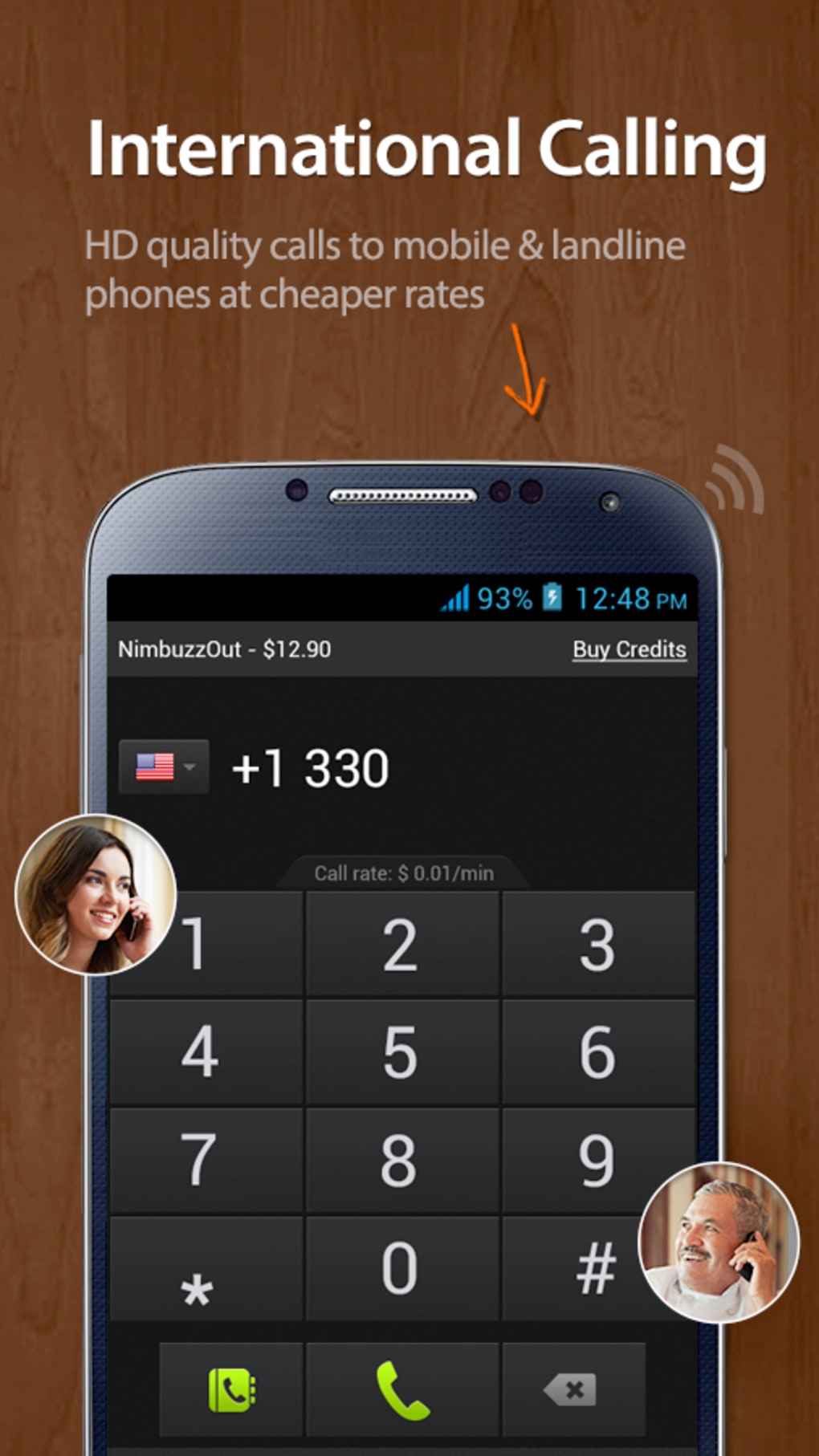
- NimbuzzOut Service – Offers affordable international calling to mobile and landline numbers, providing a cost-effective alternative to traditional phone services.
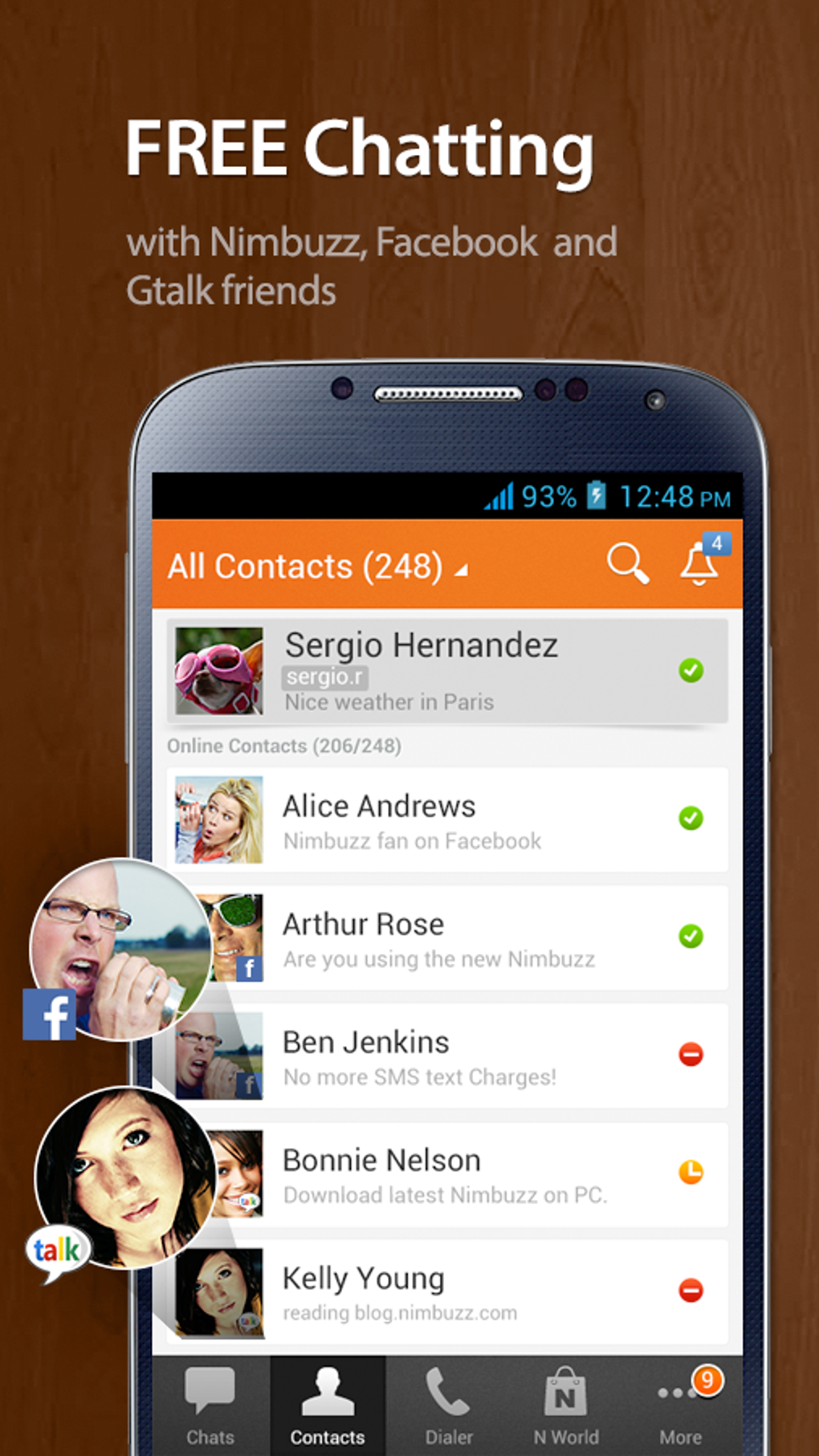
- Unified Contact Management – Aggregates contacts from social networks and IM platforms into a single, alphabetically sorted list with network-specific icons for easy identification.
- File Sharing – Supports the exchange of multimedia files and documents between users on connected networks.
- Integrated Phone Dialer – Features a built-in keypad for making standard phone calls without leaving the app, improving workflow efficiency.
- Free SMS Messaging – Allows users to send SMS messages at no cost, enhancing accessibility for users in regions with high texting fees.
These features collectively support seamless cross-platform communication, ideal for users managing multiple digital identities. The unified interface reduces app clutter, while the NimbuzzOut service provides tangible savings on international calls. The built-in dialer and contact import functionality further enhance usability for everyday communication needs.
User Interface, Workflow & Performance
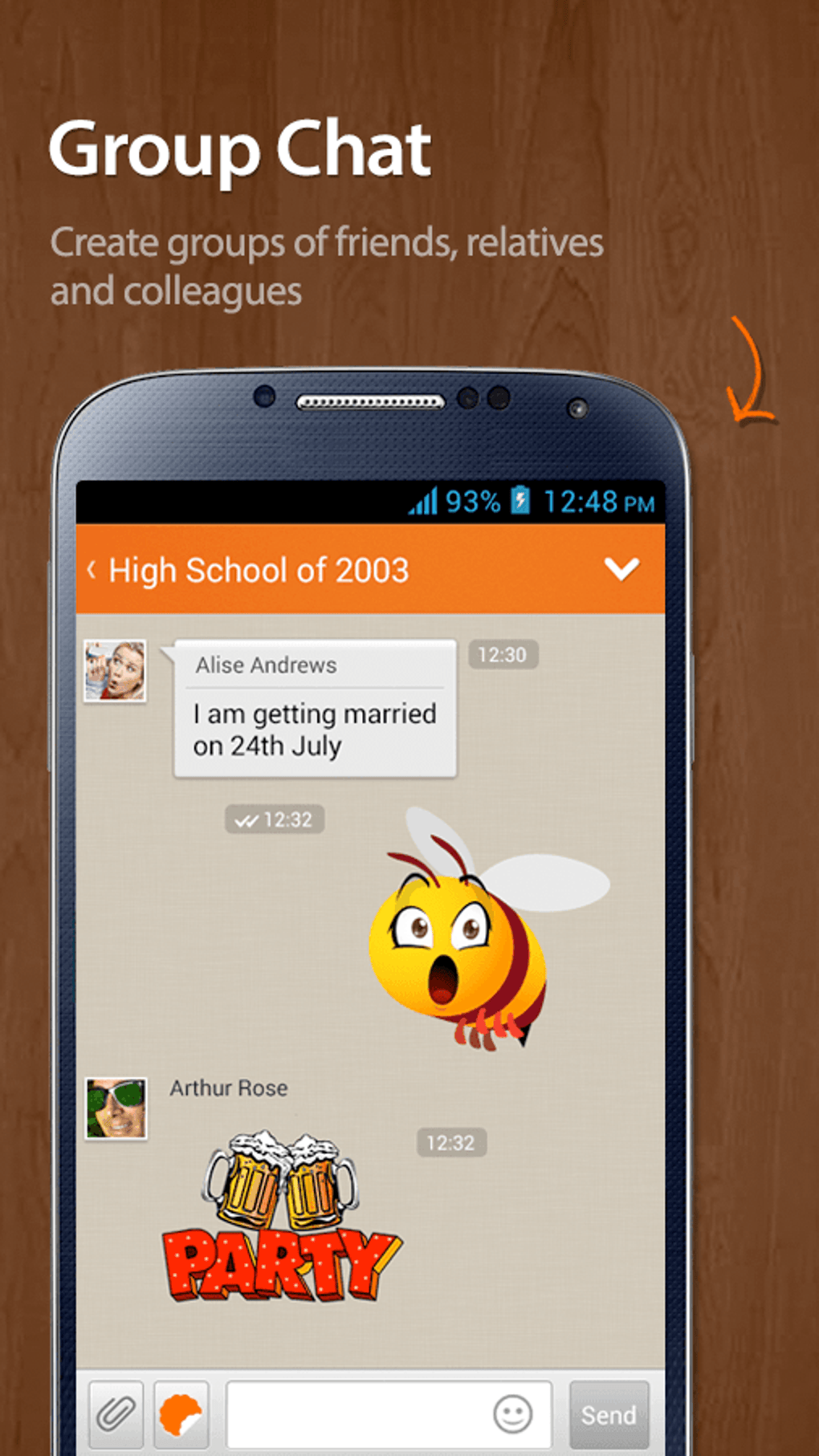
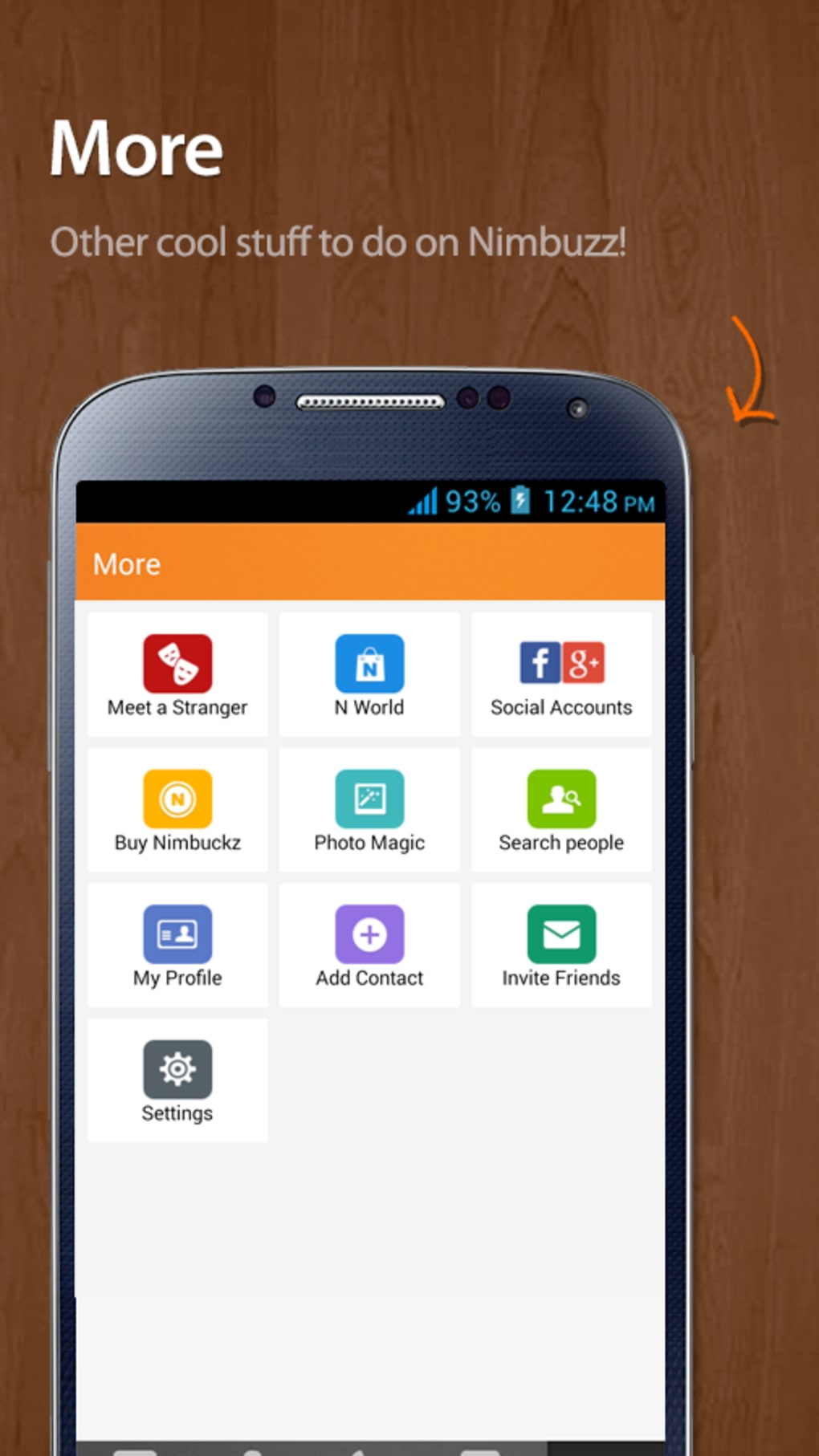
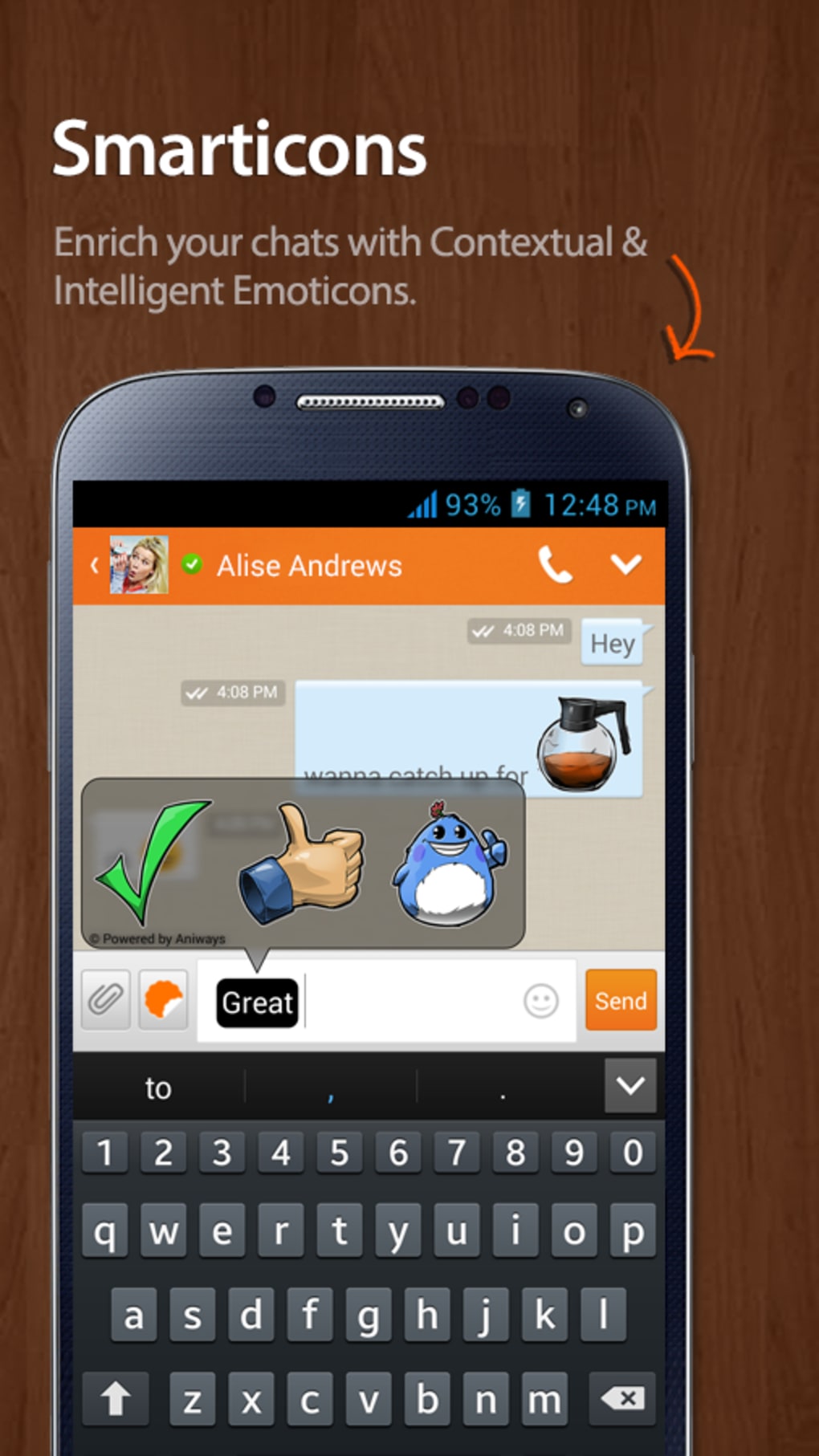
The user interface of Nimbuzz Messenger is structured to prioritize clarity and ease of access. Contacts are displayed in alphabetical order with distinct icons indicating the network each contact belongs to, enabling quick identification. Navigation is straightforward: tapping a contact’s name reveals options to chat, call, view profile, or send media. The workflow is designed to minimize user effort, especially when managing multiple connections. However, the developer did not specify resource usage details, and performance observations are based on general software behavior patterns. Some users may experience occasional connection issues when initiating calls via Skype or Google Talk, with reports of echo or dropped connections. The chat interface lacks advanced emoticons or stickers, which may affect user engagement for younger audiences. Stability appears consistent under normal usage, but long-term performance under heavy network loads was not documented. CPU and RAM behavior are not publicly disclosed. Overall, the app maintains a functional and intuitive layout, though minor usability hiccups may affect user satisfaction.
Compatibility & System Requirements
Nimbuzz Messenger is designed for Android devices and is available for download via the Google Play Store. The app’s installation size and exact system requirements were not specified in the provided information. Compatibility with specific Android versions or hardware configurations is limited to what is publicly available through the app store. The developer did not list detailed hardware requirements such as minimum RAM, processor speed, or storage space. Users should ensure their device runs a supported Android version to avoid installation issues. The application is optimized for mobile use and does not support desktop operating systems. Platform compatibility information is limited to Android, with no indication of support for iOS or other platforms.
Pros and Cons
Pros
- Consolidates multiple messaging platforms into one interface
- Offers free VoIP calls across supported networks
- Provides affordable international calling via NimbuzzOut
- Imports phone contacts for faster access
- Includes a built-in dialer and free SMS messaging
- Supports file sharing and multimedia exchange
Cons
- Does not consistently display Facebook contacts in the contact list
- Limited emoticon and sticker support in chat interface
- Occasional call connection issues and echo problems
- Lacks video chat functionality
- Performance and resource usage details not disclosed
FAQ Section
Is Nimbuzz Messenger available for iOS devices?
The provided information does not confirm iOS compatibility. The app is currently available on Android via the Google Play Store.
Is Nimbuzz Messenger safe to download and use?
Nimbuzz Messenger is available through the official Google Play Store, which provides security checks for apps. Users are advised to download only from trusted sources to ensure safety.
Does Nimbuzz Messenger require an internet connection?
Yes, the app requires a stable internet connection to access messaging, calling, and contact synchronization features.
Are there any in-app purchases or subscription options?
While the app is free to download and use, premium features are available through a subscription. Specific details about the subscription model were not provided.
Can I use Nimbuzz Messenger offline?
Basic contact viewing may be available offline, but core features such as messaging, calling, and file sharing require an active internet connection.
Final Thoughts
Nimbuzz Messenger stands out as a practical solution for users seeking a unified platform to manage cross-network communication. Its ability to integrate multiple IM services, offer affordable international calling, and support free SMS messaging makes it a compelling choice for both personal and professional use. While it has notable limitations—such as inconsistent Facebook contact display, lack of video chat, and occasional call quality issues—the app delivers strong value for its core functionality. The unified interface reduces app clutter and enhances accessibility, particularly for users managing multiple online identities. For individuals looking to minimize communication costs and simplify their digital interactions, Nimbuzz Messenger is a reliable and efficient tool. Download Nimbuzz Messenger now to experience seamless, cost-effective communication across platforms.
Guides & Tutorials for Nimbuzz Messenger APK
How to install Nimbuzz Messenger APK
- Click the Preview / Download button above.
- Once redirected, accept the terms and click Install.
- Wait for the Nimbuzz Messenger APK download to finish on your device.
How to use Nimbuzz Messenger APK
This software is primarily used for its core features described above. Open the app after installation to explore its capabilities.
User Reviews for Nimbuzz Messenger APK 0
No reviews found





